
Host & Stay | Pierpoint Apartment
Entire rental unit in Worcestershire, United Kingdom
The space
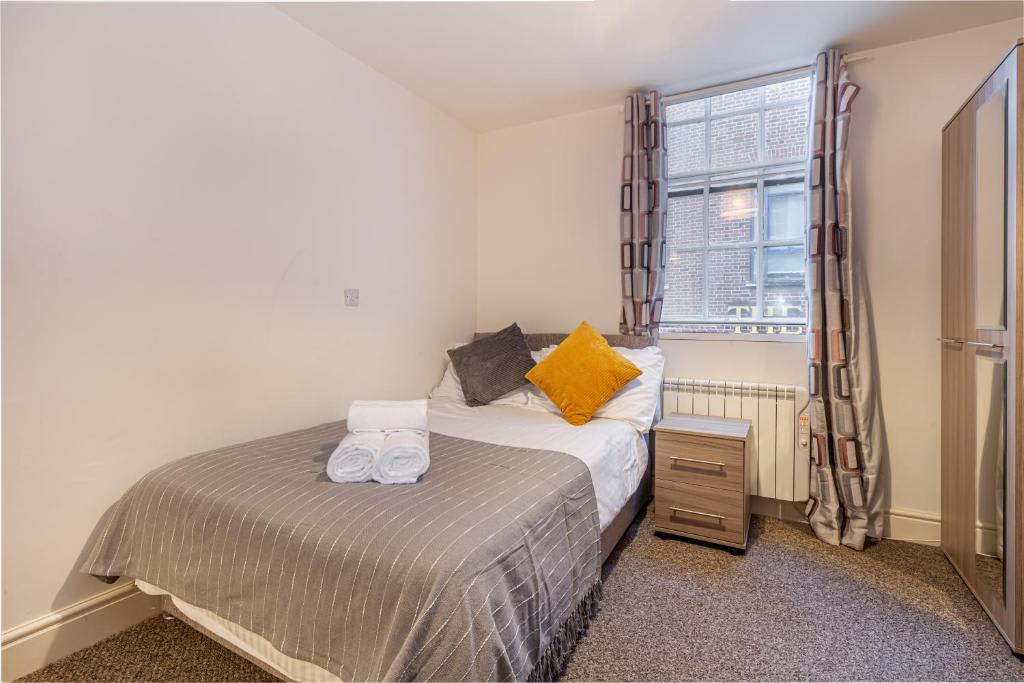
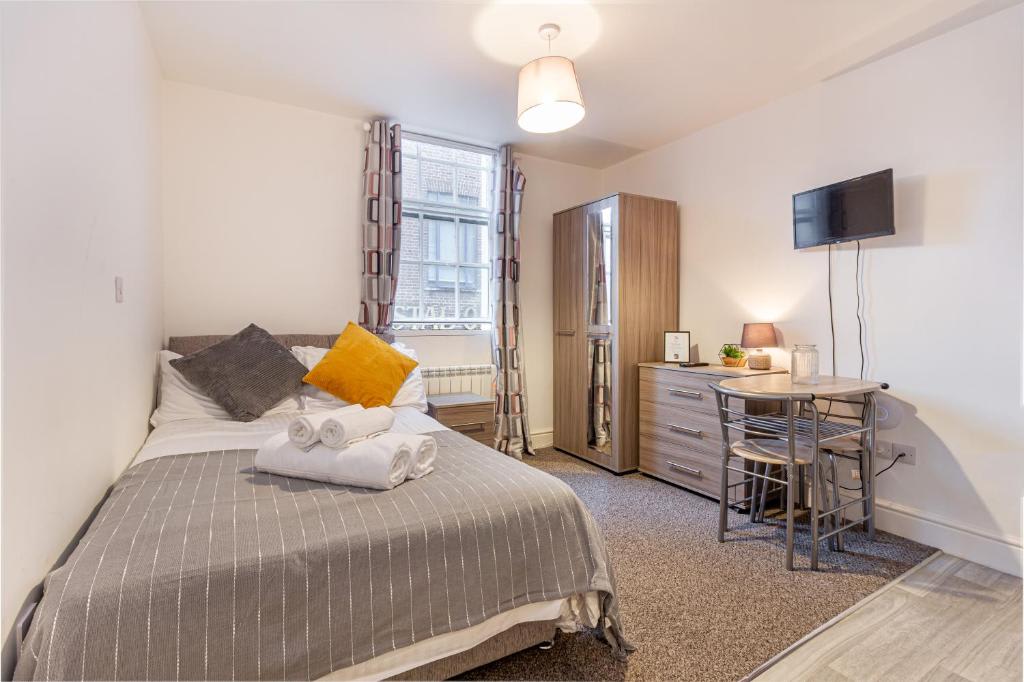
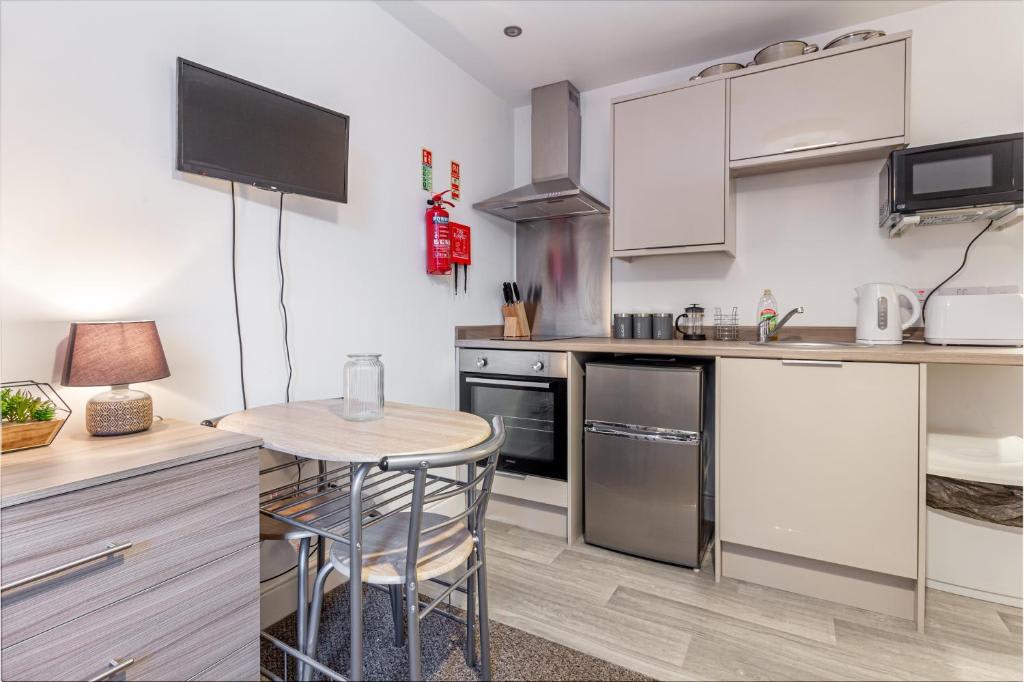
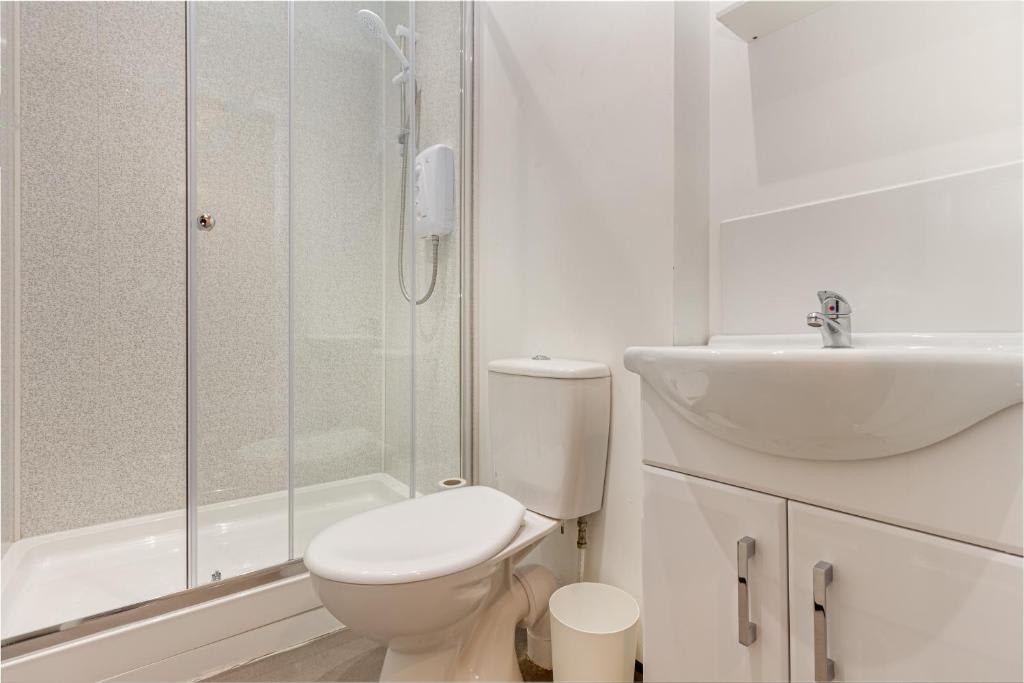
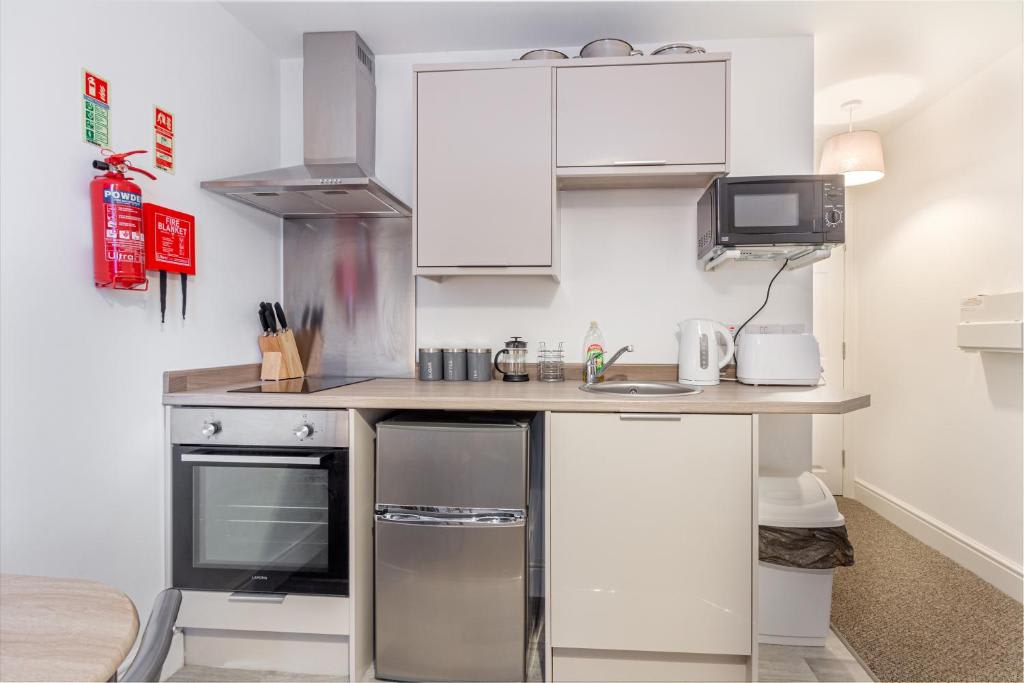
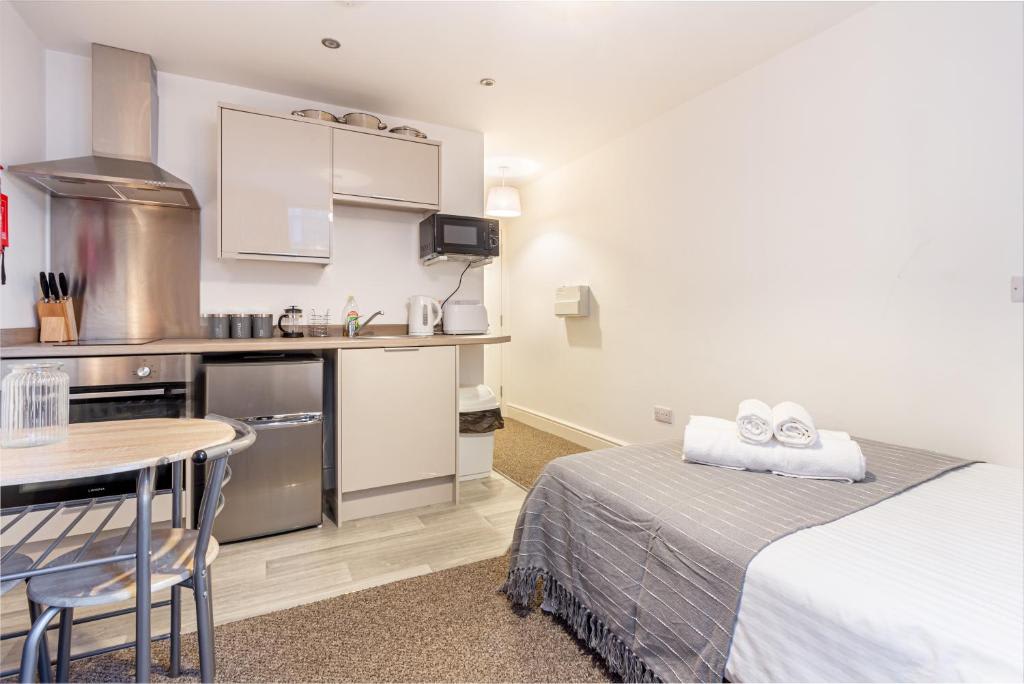
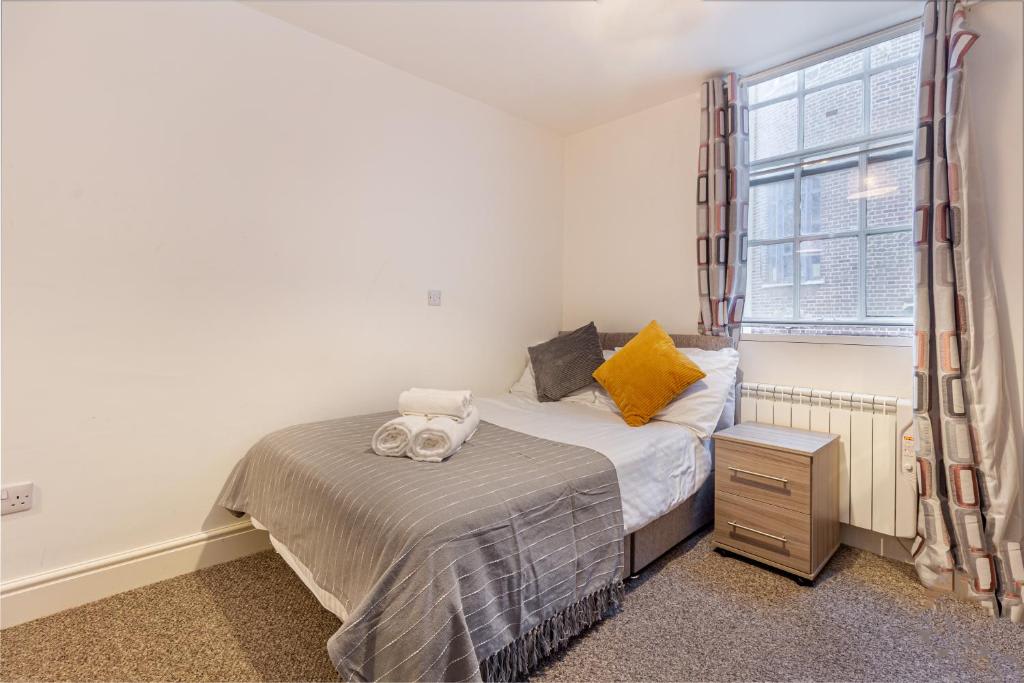
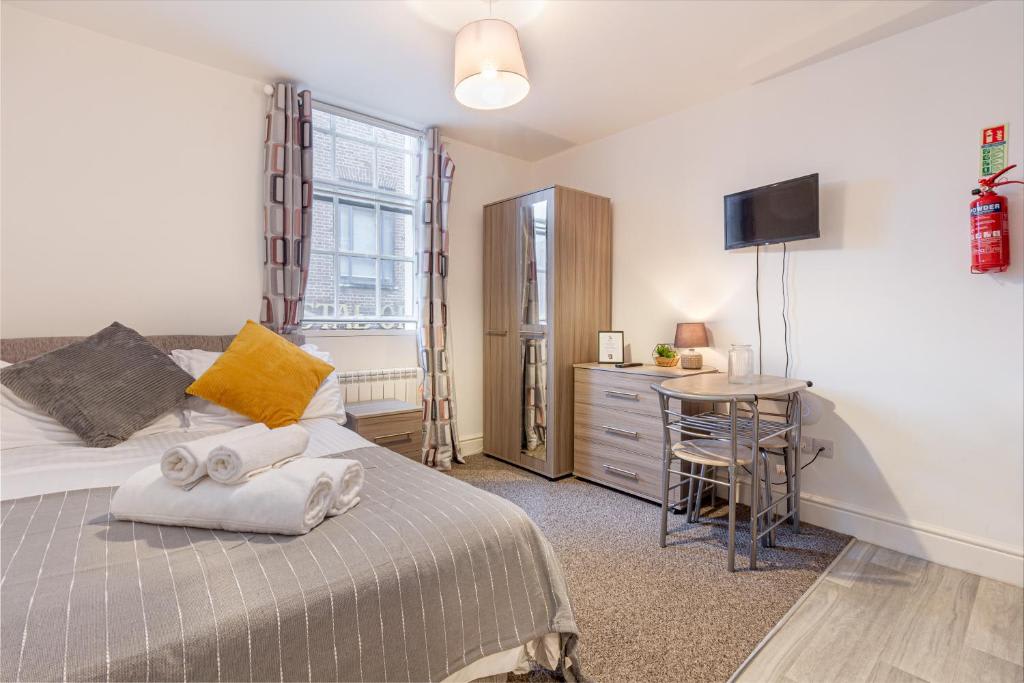
The Pierpoint Apartment is a cosy space that accommodates two guests, featuring one double bed. It includes a small kitchenette equipped with essential appliances, along with a dining table and chairs for comfortable meals. The apartment also offers a mounted TV for entertainment and a bathroom for convenience.Guest access
Guests have access to the full property. The keys to the property are accessed via a secure key safe and full details will be provided shortly before your arrival date.


Amenities
- Cleaning products
- Shampoo
- Conditioner
- Body soap
- Hot water
- Shower gel
- TV
- Wifi
- Dedicated workspace
- Microwave
Smoke alarmCarbon monoxide alarm
4.33 · 43 Reviews


2 years ago
Great location right next to train station and tesco. A functional apartment which was fine for a short number of nights. Clean bathroom and spacious shower. Bed was smaller than standard double and not the most comfortable. Atmosphere could have been nicer with warmer decor. Had to make deposit or pay waiver via third party platform which although fine in the end, caused concern and wasn’t entirely clear when booking.

2 years ago
This is a small unit. a bit smaller than I had expected but as I was not staying there much it was ok. There is sometimes a lot of noise from the neighbouring apartment, which is more about the poor sound insulation than anything else. There appears to be a room across where there’s a washing machine and when it spins it’s very clear to hear Ideal for the station and has a Tesco metro. I recommend the new Indian. more contemporary. Good place to base but if staying in there and needing to do work it is not probably the best.


2 years ago
Excellent location next to Foregate Street station which we found quiet enough to get a good sleep (with our ear buds in!) Clear & prompt entry instructions provided though the pub opposite has changed name so that needs updating. We also found the key box instructions a little unclear but managed to gain entry after awhile. The appartment was comfortable,well-equpped & generally clean throughout though the bathroom floor needed a little more attention. Regular, thorough communication from the company was given via email with a number provided if you wanted to talk to an actual human! Great shower,comfy bed & very good amenities so, we were very pleased as this was a last- minute booking. Highly recommended!
Location
Neighbourhood highlights
House Rules
- Check-in after 16:00
- Checkout before 10:00
- Self check-in with lockbox
- 2 guests maximum
- No pets
- Quiet hours
- No parties or events
- No smoking
- Gather used towels
- Throw rubbish away
- Turn things off
- Return keys
- Lock up
Safety & Property
- No carbon monoxide alarm
- No smoke alarm
- Must climb stairs
- No parking on property
Property Manager Terms
- For a full refund, the guest must cancel at least 5 full days before the listing’s local check-in time (shown in the confirmation email).
- If the guest arrives and decides to leave early, 50% of the nightly rate for the nights not spent 24 hours after the cancellation occurs are refunded.
- Cleaning fees are always refunded if the reservation is cancelled before check-in.
- Accommodation fees (the total nightly rate you’re charged) are refundable in certain circumstances as outlined below.
- A reservation is officially cancelled when the guest clicks the cancellation button on the cancellation confirmation page, which they can find in Dashboard > Your Trips > Change or Cancel.





Our Partners



© 2024 Have You Got. All rights reserved.